




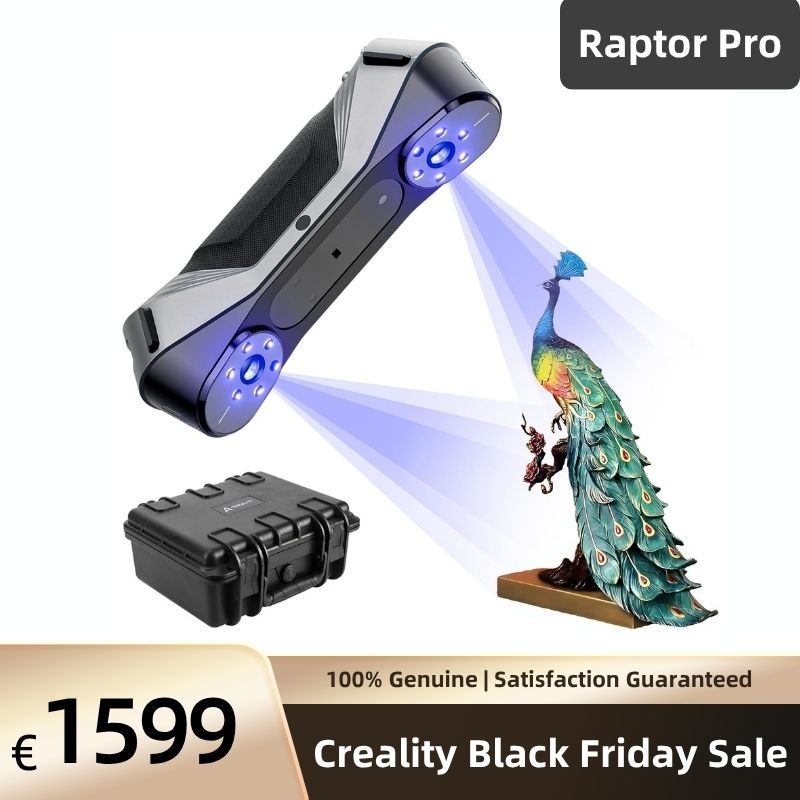


Creality CR-Scan Raptor Pro 3D Scanner
€ EUR
€ EUR
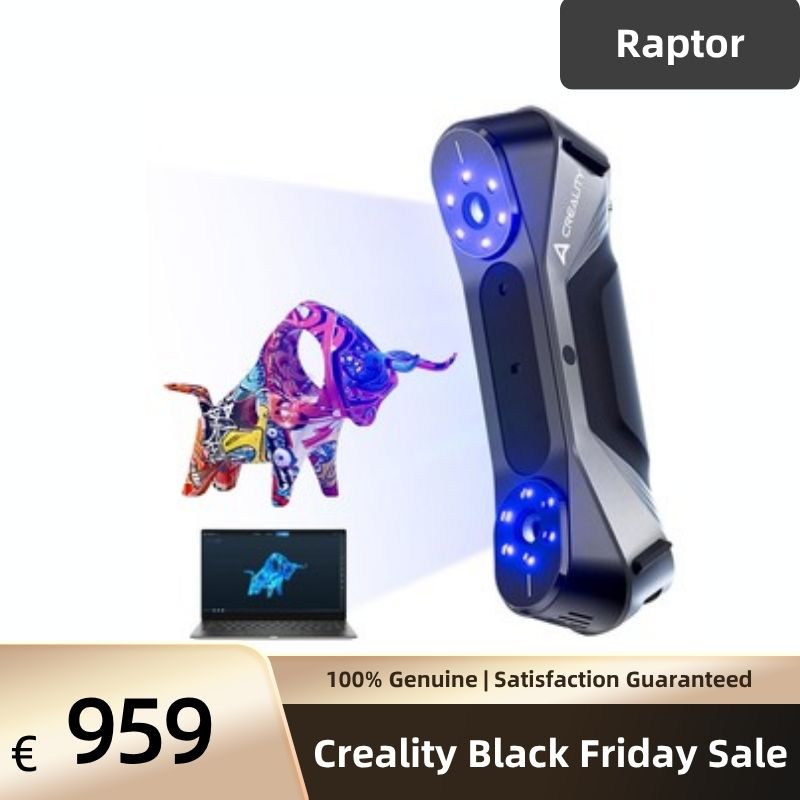


22 Cross Laser Lines + 7 Parallel Laser Lines
NIR Structured Light
High Scanning Speed Up to 60fps
660,000 points/s and 60 Fps under laser scan mode
Volumetric Accuracy 0.02mm+0.08mm/m
Creality Raptor Pro Handheld 3D Scanner
Blue laser detail. NIR versatility. Raptor Pro combines 22 cross and 7 parallel blue laser lines with infrared structured light for parts, automotive projects and creative work. Capture with CrealityScan on a compatible Windows or Mac computer.
- Up to 0.02 mm accuracy: Capture fine geometry in blue-laser mode.
- 22 + 7 blue laser lines: Switch between wider coverage and detailed features.
- 403 g scanner body: Move around objects with a compact handheld scanner.
Features & Benefits
- Two Blue Laser Modes: Use 22 cross lines for broader surfaces and 7 parallel lines for smaller features.
- NIR for Larger Shapes: Geometry and texture tracking reduce marker preparation on suitable objects.
- Dark & Metallic Parts: Blue laser helps capture challenging finishes; preparation may still be needed.
- Colour Capture: Record surface appearance alongside geometry for visual references.
- Up to 60 fps in Laser Mode: Capture successive views as you move around the object.
- Optional Wireless Scanning: Add compatible Scan Bridge accessories for movement around larger objects; a computer remains required.
Applications
- Reverse Engineering: Capture parts as a reference for CAD reconstruction.
- 3D Printing: Create meshes for editing, resizing and reproduction.
- Art & Heritage: Digitise accessible surfaces of sculptures and artefacts.
- Quality Inspection: Export scan data for CAD comparison in suitable inspection software; validate the required tolerance.
Scanning Specifications
| Parameter | 7 Parallel Blue Laser Lines | 22 Cross Blue Laser Lines | NIR Structured Light |
|---|---|---|---|
| Accuracy, up to | 0.02 mm | 0.02 mm | 0.075 mm |
| Volumetric accuracy | 0.02 mm + 0.08 mm/m | 0.02 mm + 0.08 mm/m | 0.075 mm + 0.1 mm/m |
| Resolution / point spacing | 0.05–2 mm | 0.05–2 mm | 0.1–2 mm |
| Capture rate, up to | 420,000 points/s | 660,000 points/s | 3,580,000 points/s |
| Frame rate, up to | 60 fps | 60 fps | 30 fps |
| Working distance | 160–400 mm | 200–550 mm | 170–1,000 mm |
| Capture area | 270 × 170 mm at 300 mm | 397 × 290 mm at 500 mm | 630 × 550 mm at 1,000 mm |
| Minimum object volume | 5 × 5 × 5 mm | 5 × 5 × 5 mm | 150 × 150 × 150 mm |
| Ambient-light limit | ≤50,000 lux | ≤100,000 lux | ≤30,000 lux |
| Light-source safety class | Class 1 | Class 2 | Class 1 |
Manufacturer specifications under stated test conditions. Accuracy, resolution and achievable results vary with the mode, object, calibration, lighting and scanning technique.
Hardware & Software
| Parameter | Specification |
|---|---|
| Dimensions / weight | 215 × 50 × 74 mm / 403 g scanner body |
| Connection | USB Type-C, USB 3.0; wireless requires compatible accessories |
| Power supply | 12 V, 2 A |
| Imaging / illumination | 1,920 × 1,200; 12 white LEDs + 12 blue marker-assist LEDs |
| Colour / motion sensing | Colour capture and IMU supported |
| Calibration | High-precision glass calibration plate |
| Software / export | CrealityScan / STL, OBJ, PLY |
| Operating environment | −10 to 40°C; 10–90% relative humidity |
Computer Requirements
| Configuration | Manual-listed Requirements |
|---|---|
| Windows minimum | Intel Core i7, 7th generation; NVIDIA GPU with 6 GB VRAM; 16 GB RAM; Windows 10/11 64-bit |
| Windows recommended | Intel Core i7, 10th generation; NVIDIA GPU with 8 GB VRAM; 32 GB RAM; Windows 10/11 64-bit |
| Mac | Apple M1/M2/M3; 16 GB RAM |
Check the current CrealityScan system requirements before purchase. Larger projects may require more processing capacity.
How It Works
Structured-light 3D scanning reconstructs a surface by analysing a projected pattern through cameras. Choose cross laser for broader coverage, parallel laser for detailed features or NIR for larger shapes. Capture, align and process the scan in CrealityScan, then export the mesh.
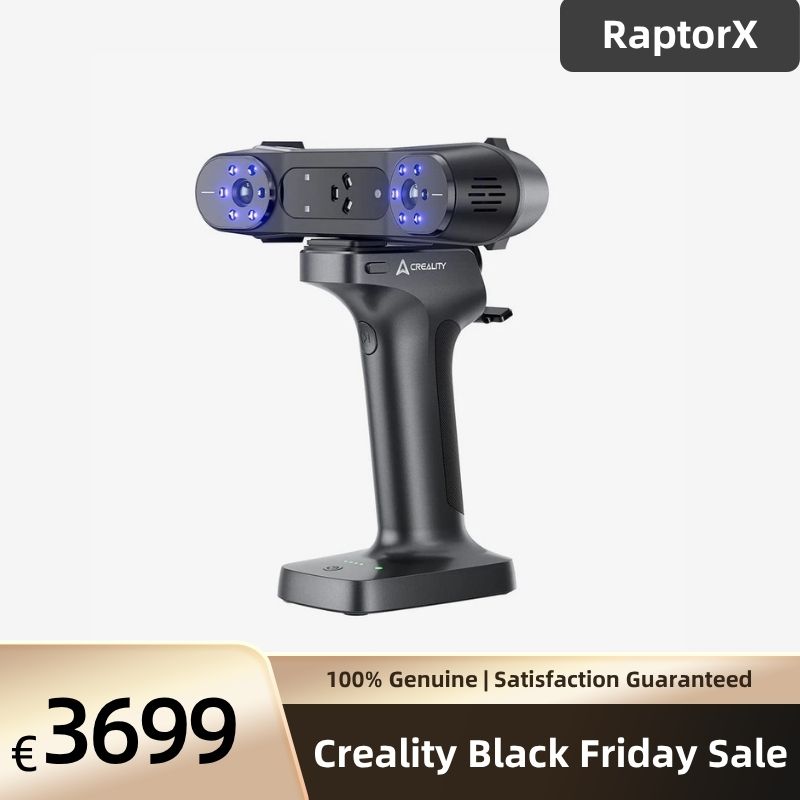
Raptor Pro vs RaptorX vs Sermoon P1
| Feature | Raptor Pro | RaptorX | Sermoon P1 |
|---|---|---|---|
| Main workflow | Computer-connected; optional wireless accessories | Computer-connected; wired or compatible wireless kit | Standalone scanning and processing; PC connection supported |
| Blue laser configuration | 22 cross + 7 parallel | 34 cross + 7 parallel | 22 cross + 7 parallel + 1 single line |
| Blue-laser accuracy, up to | 0.02 mm | 0.02 mm | 0.02 mm |
| Blue-laser volumetric accuracy | 0.02 mm + 0.08 mm/m | 0.02 mm + 0.06 mm/m | 0.02 mm + 0.06 mm/m |
| Choose for | Detailed parts and broader laser coverage | More cross-laser lines and tighter volumetric specification | Scanning without carrying a computer |
Published Reseller Test
In a 3DD reseller demonstration published on 21 April 2025, Raptor Pro captured a 40 × 25 × 60 cm white model in NIR mode in 53 seconds across 1,011 frames. This is one test setup, not a guaranteed scanning time or an accuracy benchmark.
Standard Package
Raptor Pro scanner, USB 3.0 Type-C/Type-A data cable, power adapter and plug adapters, glass calibration plate, D6/D3 reflective markers, lanyard, Type-C adapter, cleaning cloth, documentation and protective case. Wireless accessories are separate unless specified in your selected bundle.
Frequently Asked Questions
Does Raptor Pro work without a computer?
Raptor Pro requires a compatible Windows or Mac computer running CrealityScan. Optional wireless accessories remove the USB connection to the computer, but computer processing is still required. For scanning and processing directly on the device, consider Sermoon P1.
Does 0.02 mm accuracy guarantee my part tolerance?
No. Up to 0.02 mm is the published blue-laser accuracy under specified test conditions. Volumetric accuracy is 0.02 mm + 0.08 mm/m. Resolution describes point spacing, not measurement accuracy. Validate the complete scanning and inspection workflow against your required tolerance.
What object sizes can I scan?
Creality advertises an overall object range of 5 × 5 × 5 mm to 4,000 × 4,000 × 4,000 mm across modes. The manual lists a 5 mm minimum for laser scanning and 150 mm for NIR. Larger objects require multiple views, stable tracking and access around the surfaces.
How do blue laser and NIR scanning differ?
Both reconstruct surfaces from projected light. Blue laser offers higher published accuracy for detailed parts; NIR provides a wider capture area for larger shapes. Raptor Pro combines both in one scanner, so you can choose the mode to suit the object.
Can it scan black or shiny objects?
Blue laser helps capture challenging dark and metallic surfaces. Spray-free results depend on material, finish, geometry and lighting. Transparent, mirror-like or difficult surfaces may still need suitable scanning spray or preparation. Always check suitability before treating valuable objects.
Do I need tracking markers?
The manual lists marker and global-marker tracking for blue laser, plus geometry, texture and marker tracking for NIR. CrealityScan 4.3.2 introduced marker-free laser scanning for the Raptor series over USB. Check the installed version and mode requirements; do not assume this feature is available wirelessly.
Is Raptor Pro compatible with Mac?
Yes. The manual lists Apple M1, M2 or M3 with 16 GB RAM. Windows minimum and recommended configurations appear above. Check the current CrealityScan download requirements before purchase, particularly for your operating system version and computer model.
What software is included, and are there extra fees?
Raptor Pro uses CrealityScan for capture and model processing. Download the current version from Creality’s official software page. Check current licensing and any optional services separately; specialist CAD reconstruction or inspection software may require additional licences.
Is wireless scanning included?
Wireless scanning requires compatible accessories such as Scan Bridge. These are not listed in the standard scanner package above. Check the selected bundle before ordering. A compatible computer is still required for capture and processing.
Can I use it outdoors?
The manual lists ambient-light limits of 100,000 lux for cross laser, 50,000 lux for parallel laser and 30,000 lux for NIR. These are mode-specific limits, not a guarantee in direct sunlight. Shade and controlled lighting can improve capture.
Can I export models for 3D printing and colour work?
Yes. The manual lists STL, OBJ and PLY exports, with colour scanning supported. Check mesh completeness, scale and wall thickness before printing. A scanned mesh is not automatically an editable CAD model; colour refinement and CAD reconstruction may require further work.
Can I request bulk or education pricing?
Contact the store with the quantity, delivery country and intended application to request a quotation. Volume pricing, education offers, invoices and support requirements are confirmed for each order.
Explore Related Scanners
RaptorX: 34 cross laser lines · Sermoon P1: standalone scanning · CR-Scan Otter: infrared scanning
Choose your Raptor Pro package and start capturing. Check bundle contents and computer compatibility before ordering.
Resources: Official Raptor Pro manual · CrealityScan downloads and guides · Marker-free laser scanning release notes
Looking for a better deal or planning a bulk purchase? Contact sale@creality3dofficial.com for your exclusive quote.


Based on 3 reviews
Write A Review
Ask A Question
